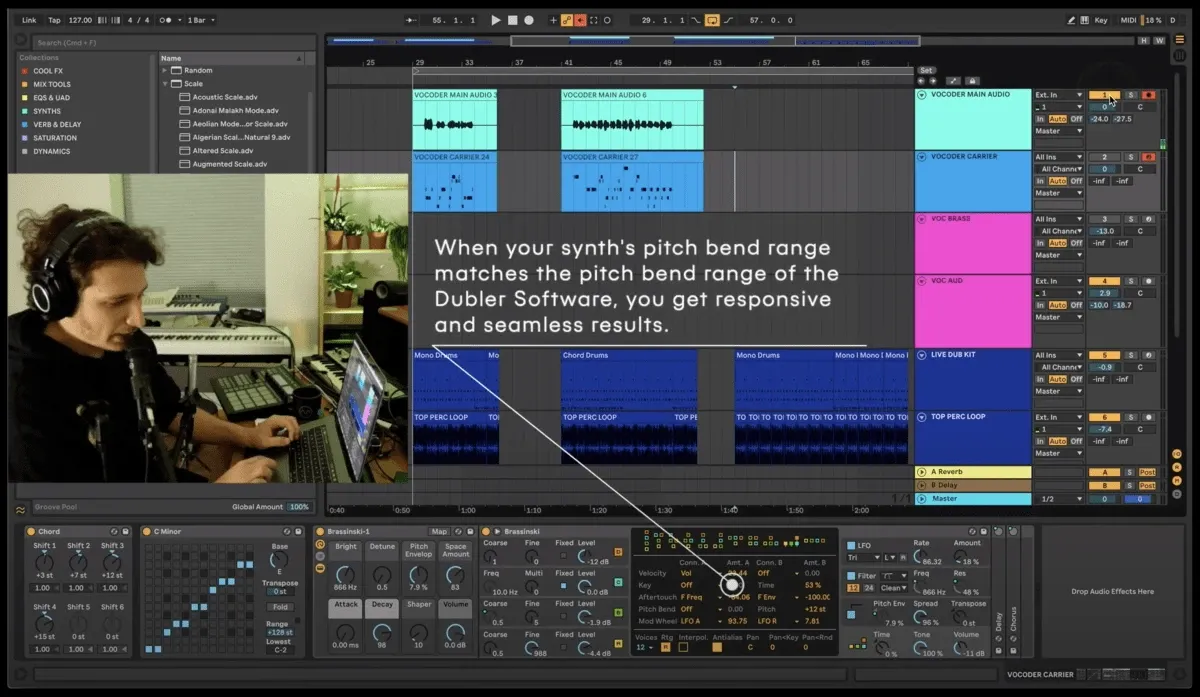
As mentioned above, a common vocoder setup requires both an audio and a MIDI input. The vocoder’s character, sound and musical notes come from the synth loaded on the MIDI channel with a while the vocals or spoken word comes from the audio input.
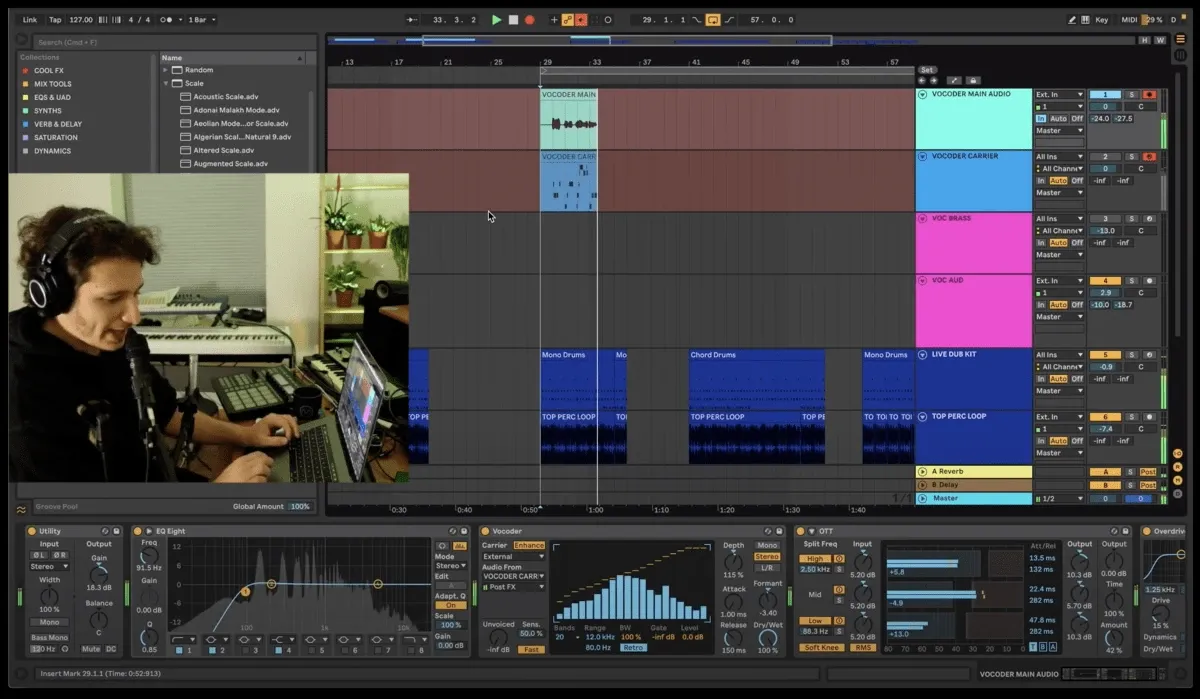
Most of Daft Punk’s signature vocoder sounds, like the one in ‘Around the World’ for example, use square-wave-based synth sounds as the vocoder MIDI input. In Ableton, the Vocoder audio effect is placed on the audio channel with an audio input set up for a microphone. The vocoder then has an ‘External Carrier’ dropdown list that allows you to choose which MIDI channel it gets an input from. Even if the MIDI channel is muted - which it should be because you don’t want the raw sound of the synth to be heard while using it as a vocoder input - the vocoder will still pick up its signal.
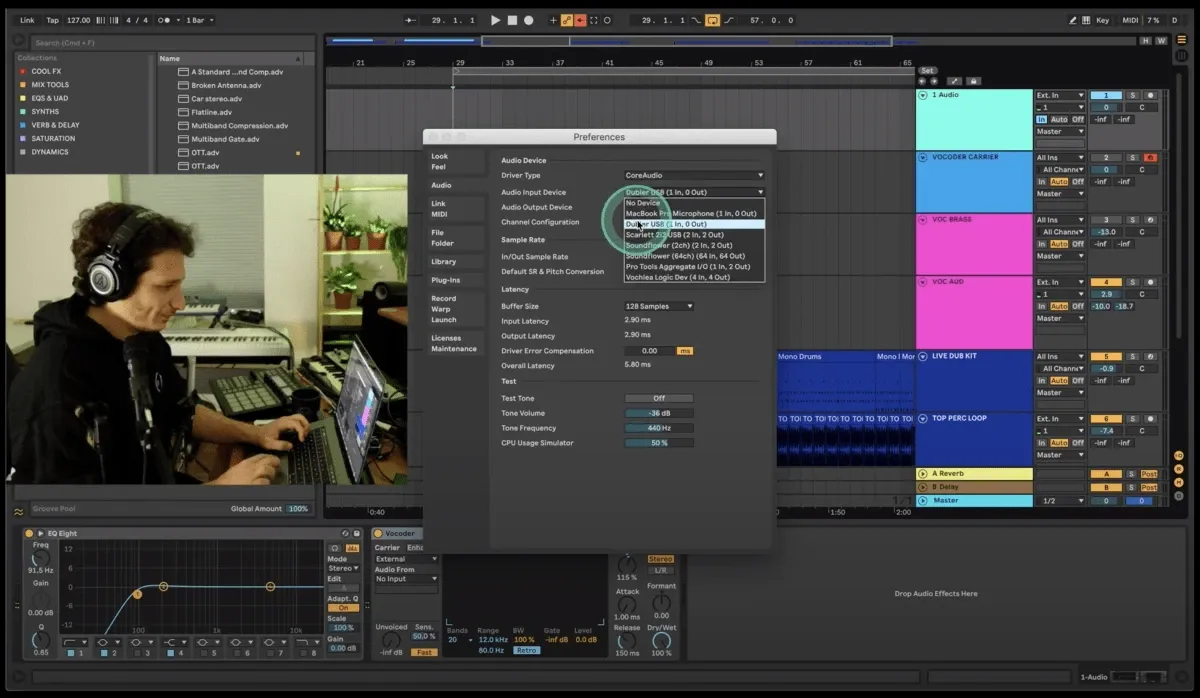
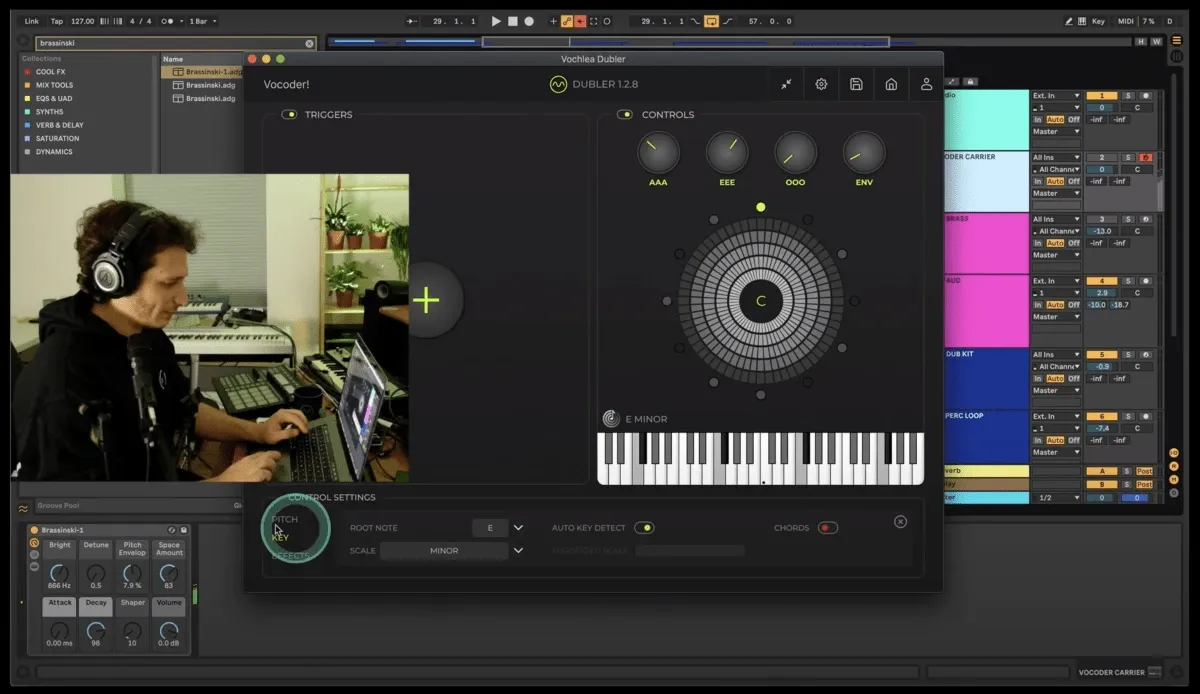
On Mac computers, Dubler can provide both the audio and MIDI signal at the same time. When you have the Dubler software running it will both send MIDI to your DAW and appear as an audio input option in your preferences. As a result, all you have to do is make sure to select Dubler as your audio input, create one audio channel that is receiving audio from your voice via Dubler, and create one MIDI channel with a synth loaded that is receiving MIDI from the Dubler software. The next step is loading up the vocoder on the audio channel and selecting the MIDI channel in the carrier dropdown list.
On Windows computers Dubler is unfortunately unable to act as both an audio and MIDI input at the same time so for the audio input you would require a second microphone. Make sure to place the Dubler microphone and your other microphone close to each other so that they both pick up your voice while performing.